The best tools for animated mockups (the apps I actually use)
ToolsUpdated AUG 27, 20264 min
A flat screenshot tells people what you built. An animated mockup gets them to watch it work. These are the four tools I actually keep open for that, and what each one is for.

Mockrocket
mockrocket.io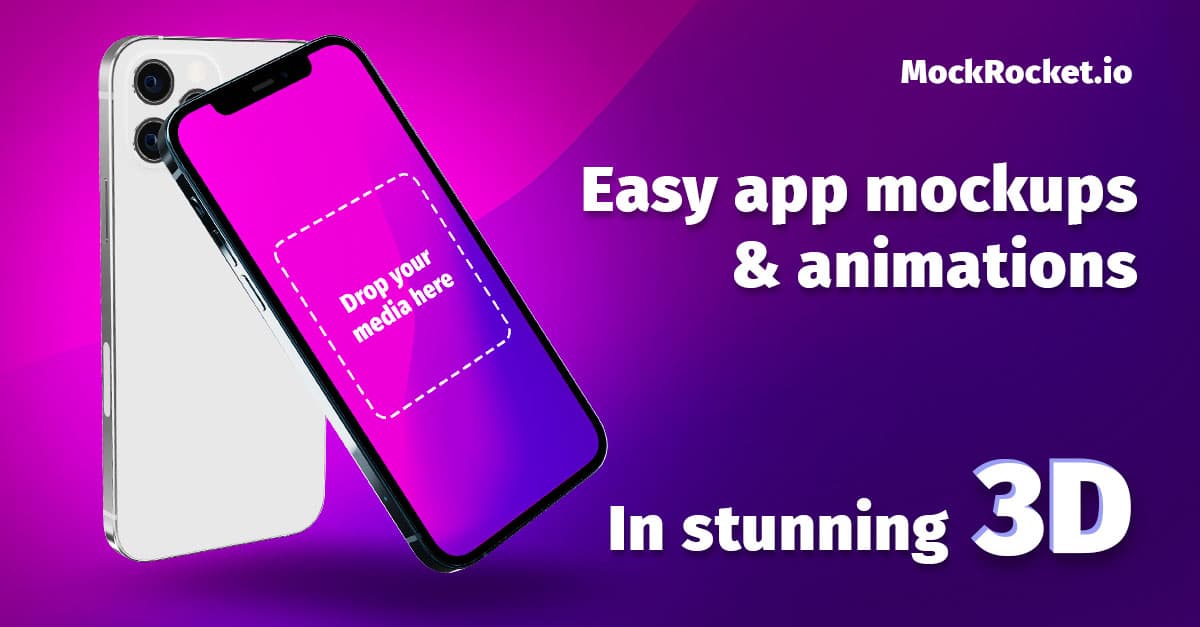
Mockrocket builds 3D device mockups in the browser. Drop in a screenshot, wrap it in a phone or laptop, and rotate it into a short clip with nothing to install. It's the one I use when I want a single hero device shot with real perspective.
Shots
shots.so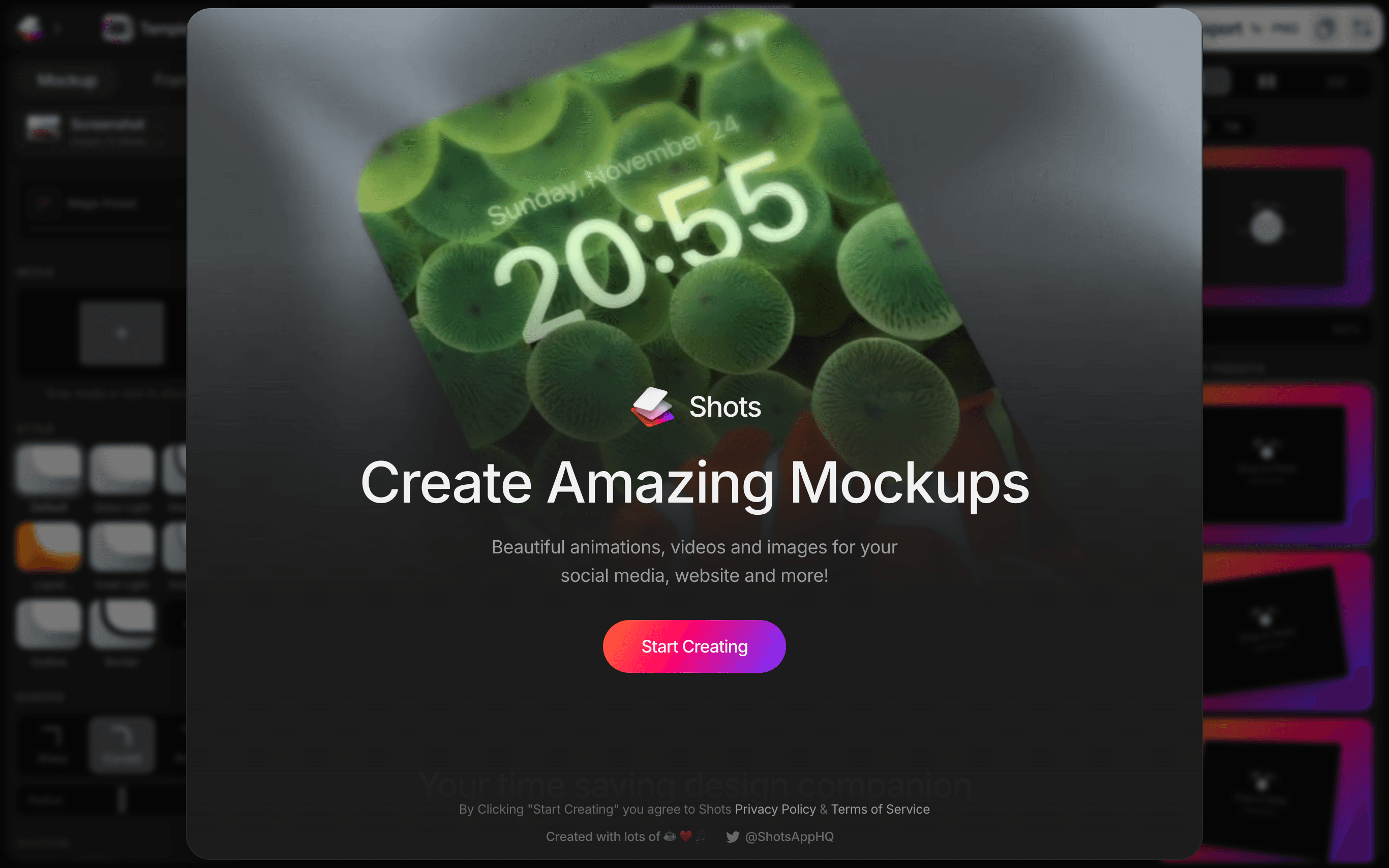
Shots wraps phone, laptop and browser screenshots in coloured backgrounds and device frames. It's quick, it runs in the browser, and it's about right for one social post or a thumbnail. Past that it runs out of road.

Jitter
jitter.video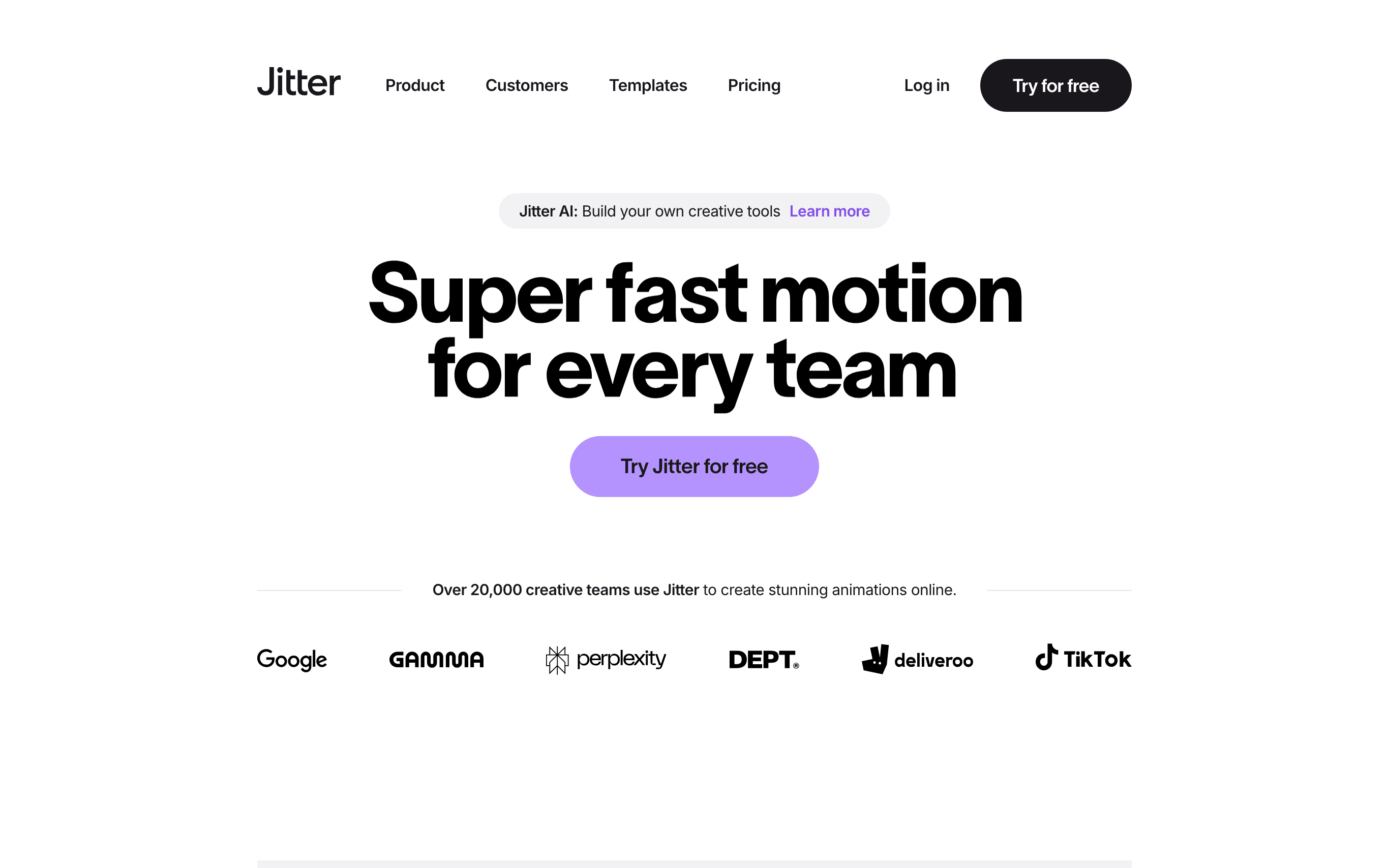
Jitter is a motion design editor that runs in the browser. This is the step up from a one-click tool, for when you want to design the transitions rather than pick them. The comparison against Reelfolio goes into where each one wins.

Reelfolio
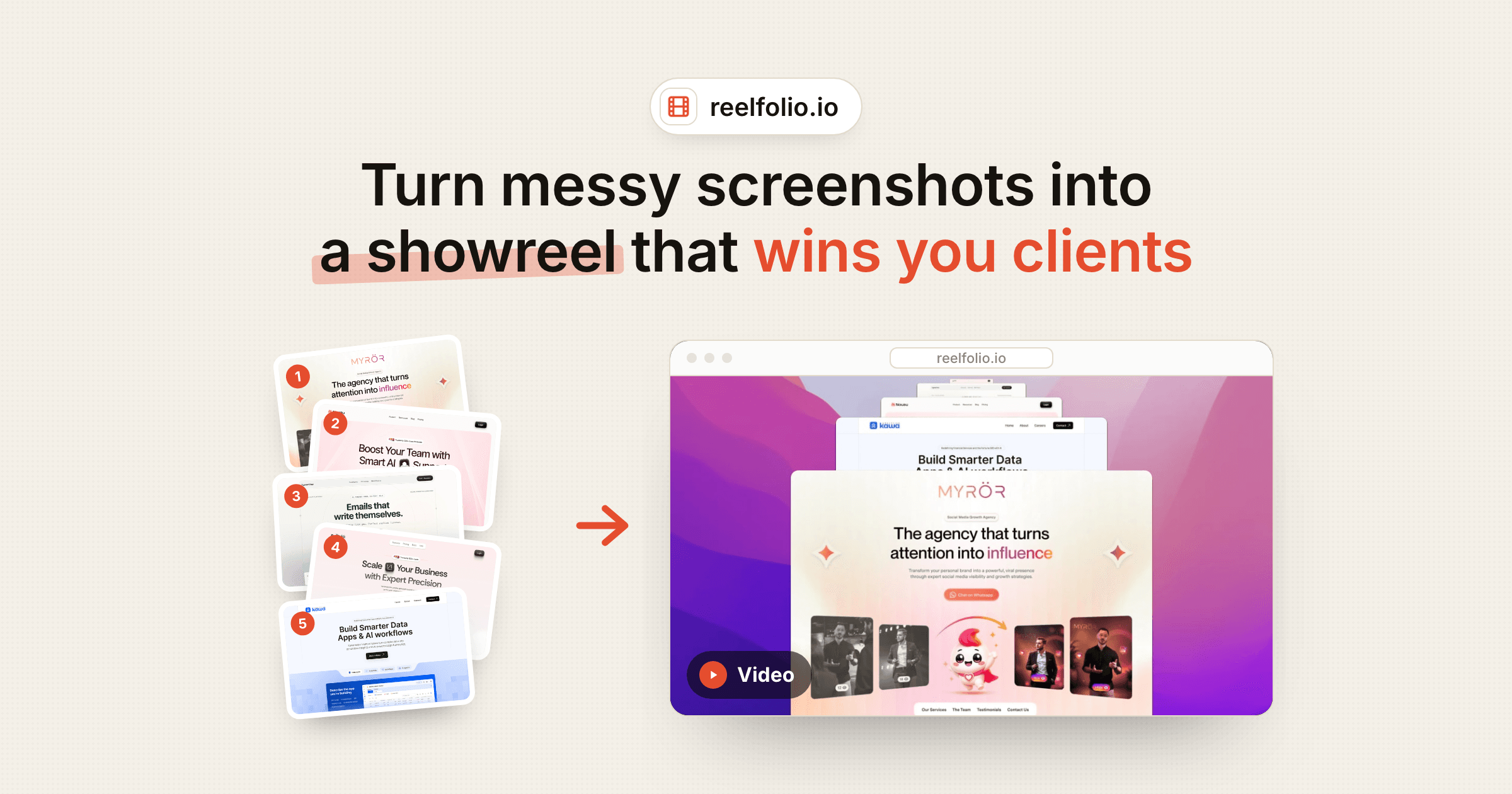
reelfolio.ioThe three above each produce a single shot. Reelfolio takes the batch: drop in screenshots or screen recordings, pick a template, and it animates the whole set into one reel. No timeline and no plugins. It's what I open when the output is a video rather than one frame.
“Simple to use, incredibly efficient, and perfect for turning our design work into engaging presentations and showcase videos.”

Ketan Pandey
@ketandesign
“Reelfolio is an essential part of our studio workflow. It helps us create polished videos quickly, without the usual editing overhead.”

4080 Studio
4080studio.com
For portfolio video specifically, the ranked roundup goes further into which to pick and what each one costs.
How I use them together
These aren't either-or, and I've never picked one and stuck with it. A single hero shot gets framed in Shots or Mockrocket. A launch that needs bespoke motion goes to Jitter.
Reelfolio is for the folder. When a project ends and there are twelve screenshots sitting in it, that's the one I open, because assembling twelve shots by hand is the part I'll put off forever.
Read more
See all posts
ShowreelsUpdated AUG 27, 20265 min
Nine ways to animate your portfolio reel, and when to use each
Nine of Reelfolio’s animation styles, what each one does to your work, and the kind of portfolio it suits.
ToolsUpdated AUG 27, 20263 min
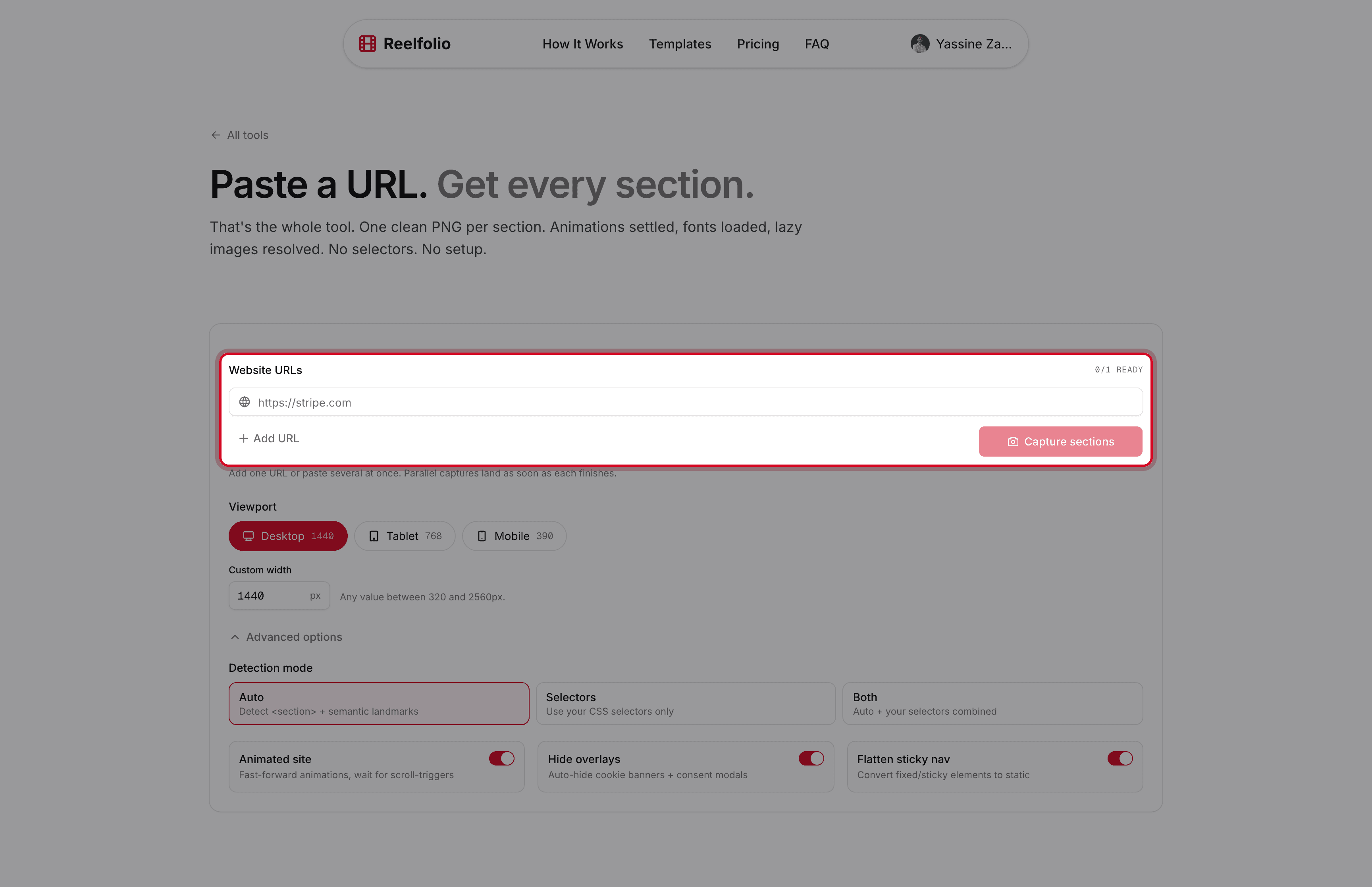
The free tool that turns any website into clean, per-section screenshots
Section Screenshot captures each part of a page as its own clean image, with fonts, lazy images, and animations handled for you.

PortfolioUpdated AUG 27, 20263 min
Static screenshots are killing your portfolio. Do this instead
A flat screenshot is the easiest thing to scroll past. Turn the same shots into a short reel that actually holds attention.
Pick a template. Watch it run.
Preview the motion, then send your screenshots to Reelfolio and ship the reel in about a minute.