Improved
Templates keep your changes when you switch
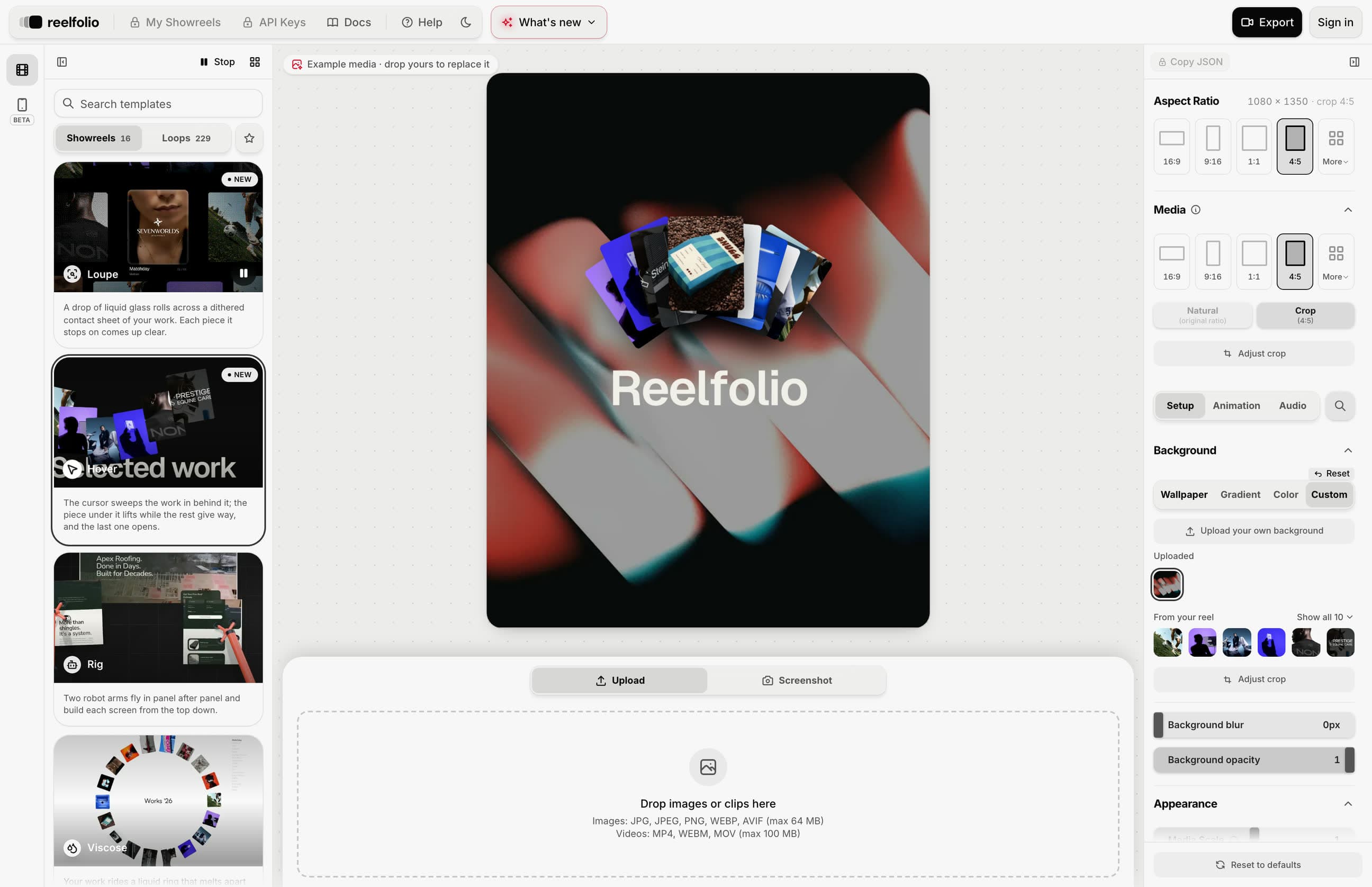
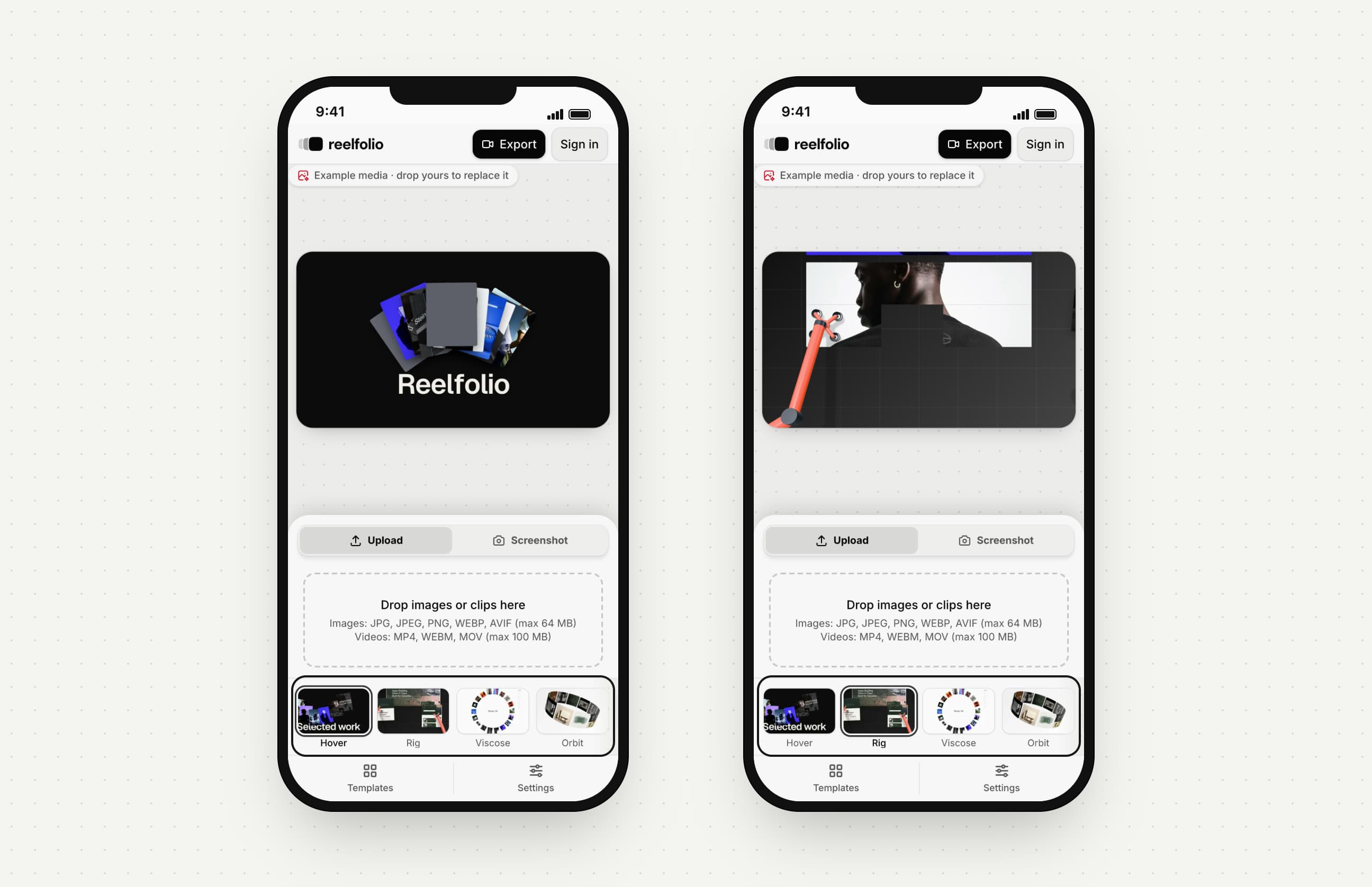
Change a template, try another, and come back to find it the way you left it. A background you upload now shows on every template.
- Each template remembers the settings you changed on it, for the 20 templates you used most recently.
- Upload a background, or use one of your reel images as the background, and it shows on the other templates too. Its blur, opacity and crop come with it.
- Give one template a different background and it keeps that one. The uploaded background still shows on the rest.
- Background has its own Reset, which puts back the template's own background.