
Reelfolio vs MockupReel: a phone mockup or a full reel?
ComparisonsNOV 14, 20266 min
MockupReel and Reelfolio both make a video out of your screens, and the names are close enough to mix up. MockupReel takes one screen recording, puts it in a phone frame and exports it for free. Reelfolio is a mockup video maker for a whole set of screens, and it charges for the export. For some jobs MockupReel is the better pick, and I say which ones below.
How we compared them
Both tools run in the browser and both export 4K. The five questions below are where they differ, and MockupReel wins three of them.
- 01
How many pieces go in
One recording in a frame and twenty screens in a reel are different videos.
- 02
Which devices you can show
A phone app needs a phone. A web app or a site needs a laptop, a display or a browser window.
- 03
What it costs to get a file
One tool is free with no account. The other charges at export.
- 04
Where your files go
Unreleased work under an agreement may not be allowed on someone else's server.
- 05
Who makes the motion
Keyframes you set yourself, or motion that is already made.
Reelfolio vs MockupReel at a glance
| Reelfolio | MockupReel | |
|---|---|---|
| What it is | Showreel maker with a mockup studio, in the browser | Screen recording mockup tool, in the browser |
| Best for | Many screens in one reel, or a site on a laptop or display | One phone screen recording in a device frame |
| What you put in | A set of screenshots, mockups and clips, or a link to a site | A screen recording, or a PNG, JPG or WebP screenshot |
| Devices | Phone, folding phone, tablet, laptop, display, browser window | iPhone 16 Pro, iPhone 13 Pro, Pixel 9 Pro, Nothing Phone 1, a folding iPhone Duo |
| Reel templates for a set of screens | 200+ templates | Motion presets for the device frame |
| Keyframe the device yourself | Camera moves are presets | Scale, rotation and position |
| Free export, no watermark | Editing is free, exporting needs a plan | Unlimited, with no account |
| Max export quality | 4K | 4K at 60fps |
| Files stay on your machine | Account media is stored on our servers | Nothing is uploaded |
| Price | $12/month, or $9/month billed yearly | Free |
What each tool actually is
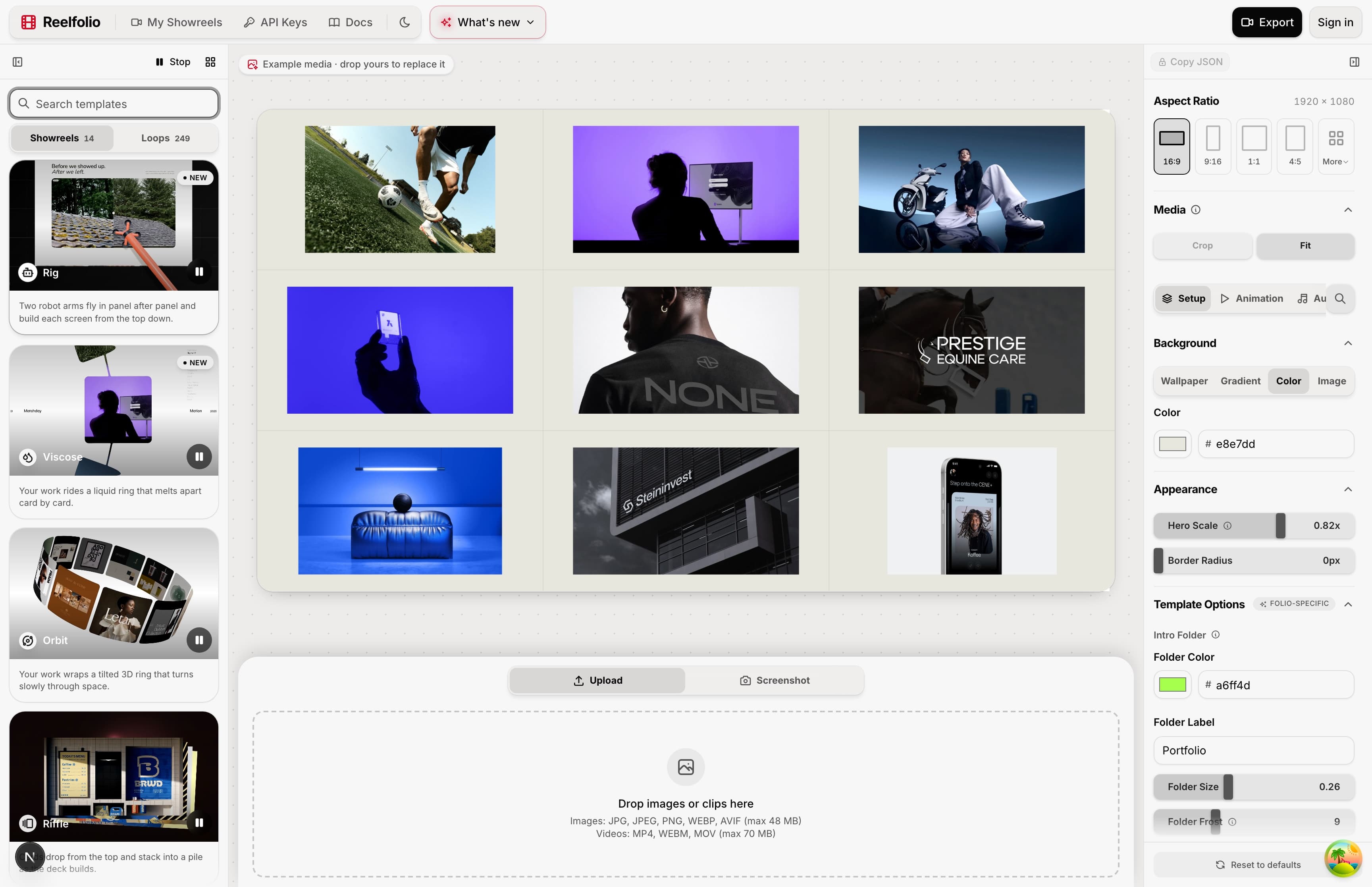
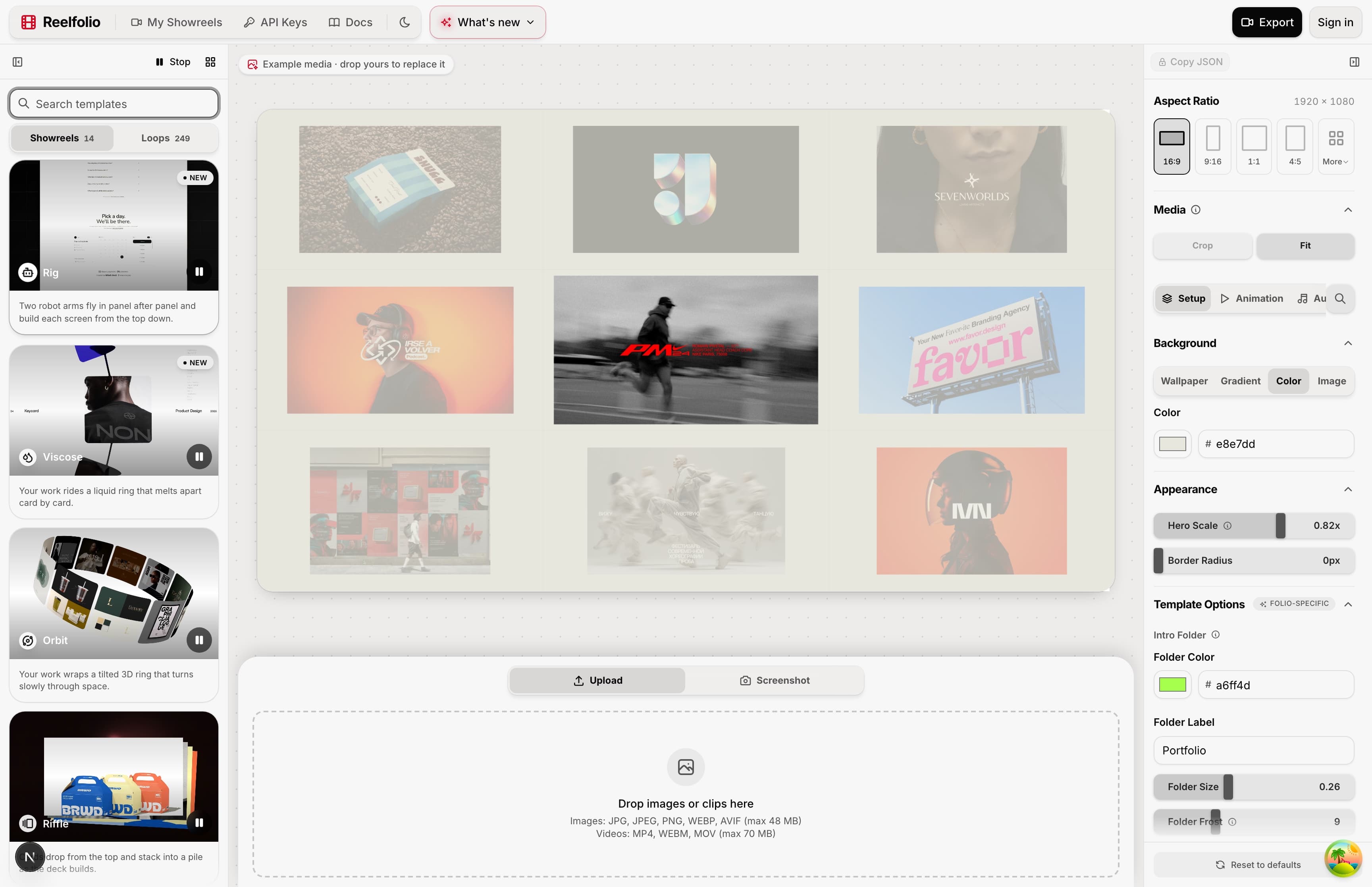
Reelfolio
A reel from a folder of screens
You drop in screenshots, mockups or short clips and pick one of 200+ templates. The timing, the transitions and the layout are already made. You change the background, the speed and the aspect ratio, then export up to 4K.
There is a mockup studio as well. Paste a link, and your site loads on a phone, tablet, laptop or display inside a photo scene and scrolls by itself. Capturing a mockup needs Chrome or Edge on a desktop.
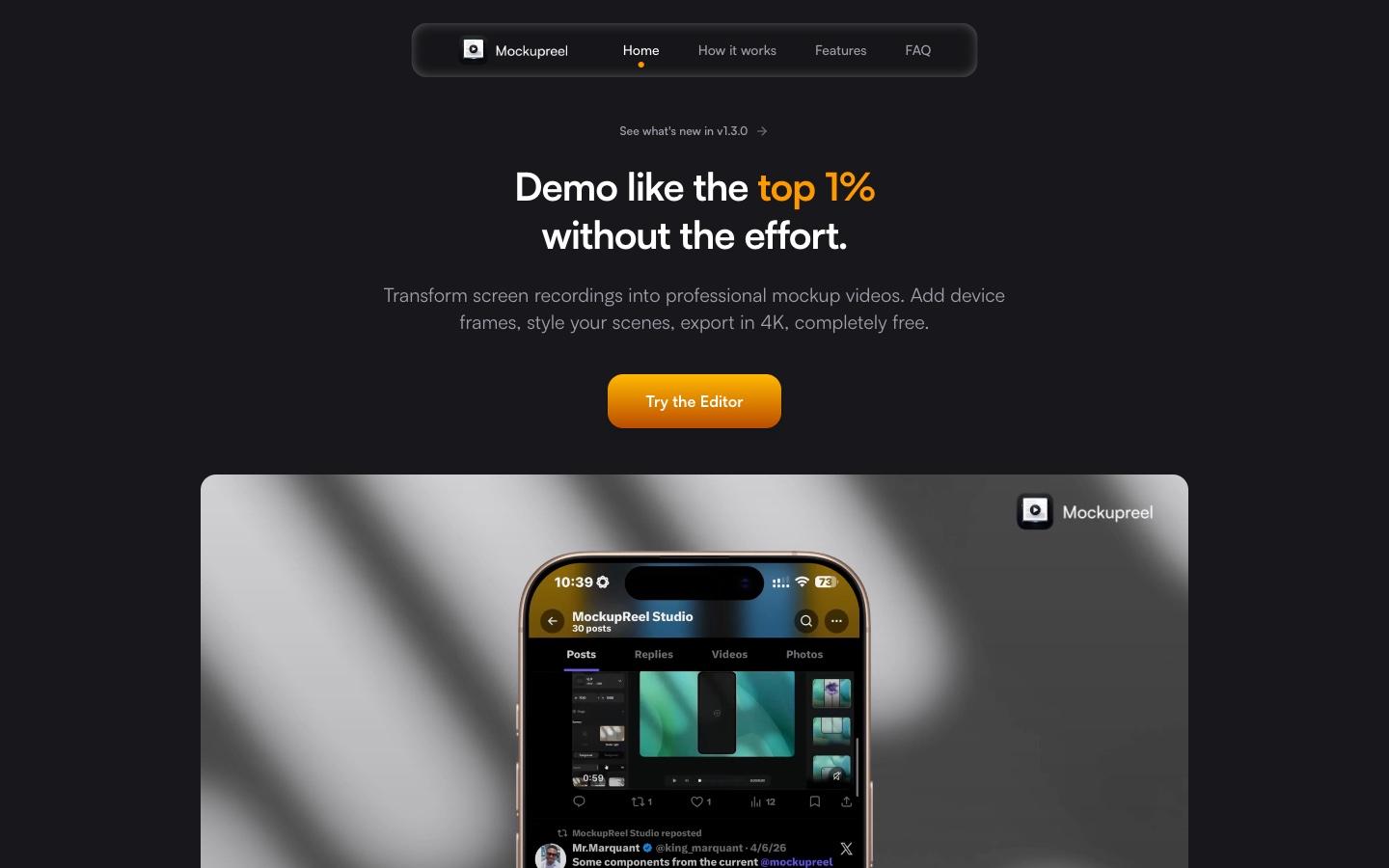
MockupReel
One recording, in a phone, for free
MockupReel turns a screen recording into a mockup video. You drop the recording in, pick a phone frame, style the scene and export up to 4K at 60fps. Since version 1.2 it takes still screenshots too. Its site lists nine ambient backgrounds that pick up the colors in your video, motion presets, and keyframes for the scale, rotation and position of the device.
It is free, with no account, no watermark and no cap on exports. Everything runs in your browser, and MockupReel says your recording never leaves your device.
Where each one wins, and what it costs
Reelfolio
- Takes a whole folder of screens and returns one finished reel
- 200+ templates, and switching between them keeps your media in place
- Laptop, display, tablet and browser mockups, not only phones
- Paste a link and your site scrolls on a device in a photo scene
- Exporting costs money. MockupReel is free
- Media in your account is stored on our servers
- Camera moves are presets, you cannot keyframe the device
- For one phone recording it is more tool than the job needs
$9/mo
Billed yearly at $108, or $12 month to month. No watermark on exports.
MockupReel
- Free 4K export at 60fps with no watermark and no sign-up
- Your recording stays on your machine, nothing is uploaded
- Keyframes for the scale, rotation and position of the device
- Backgrounds that pick up the colors in your recording
- Every device frame on its site is a phone. No laptop, tablet or browser frame is listed
- No templates that cut a set of screens into one reel
- Full 4K export needs Chrome, Edge or Safari 16.4 or newer. Firefox uses a fallback
$0
Free. No account, no watermark, unlimited exports
Who each one is for
Pick Reelfolio if
- You have ten or twenty screens and want them in one video
- Your work is a website or a web app, and it belongs on a laptop or display
- You would rather pick finished motion than set keyframes
- You need 16:9, 9:16 and 1:1 versions of the same reel
Pick MockupReel if
- You have one screen recording of a phone app
- You want a 4K file today without paying or making an account
- The work is under an agreement and cannot be uploaded anywhere
- You want to set the device motion yourself with keyframes
If you want a 3D device with a camera you direct, the comparison with MockRocket covers that. For the wider list, see my roundup of tools for animated mockups.
“Reelfolio is insanely good. Every detail feels sharp and thoughtfully crafted.”

Irsyad
@irsyad
“Reelfolio makes it effortless to turn our thousands of screenshots into clean, engaging X videos. I used to do this manually with Screenstudio, but Reelfolio is dramatically faster and simpler.”

Rob Austin
@ausrobdev
Start with the free one if it fits
If one phone recording in a frame is all you need, use MockupReel. It is free, it is fast, and nothing I sell does that job for less.
If you open it and find yourself wanting twenty screens in the same video, or a laptop, that is the point where Reelfolio fits. You can edit the whole reel before you pay.
Frequently asked questions
Read more
See all posts
ToolsNOV 14, 20266 min
How to Turn Screenshots Into a Video (3 Ways)
Three ways to turn screenshots into an MP4: a template tool, a screen recorder, or a video editor. What each is good for, and where each falls short.

ShowreelsNOV 14, 20266 min
How to Make a Portfolio Reel (With Examples)
What to put in a portfolio reel, how long it should be, how to order it, and how to make one from screenshots and clips without a video editor.

ToolsAUG 27, 20264 min
The best tool for creating a design portfolio video
Five tools for turning design work into a portfolio video, what each one costs in time and money, and which to open first.
Pick a template. Watch it run.
Preview the motion, then send your screenshots to Reelfolio and ship the reel in about a minute.